
Services
Software that solves a specific problem in your business.
We work with founders and small to mid-sized teams, in Bangladesh and abroad. Here is what we build, what problems it tends to fix, and how we go about it.
Custom Software Development
When spreadsheets and off-the-shelf apps stop keeping up, we build a tool that fits how your team actually works.
Ready-made tools are great until your business stops fitting them. Then people start working around the software instead of with it. We build web-based tools around the way you already work, whether that is a small internal app or a larger system, and we keep the code clean so it is easy to change later.
- The same data typed into three spreadsheets, and nobody sure which one is right
- Off-the-shelf apps that do not match your local rules or the way you do things
- No control over who can see or change what, and no record of who did it
- Several tools that should talk to each other but do not
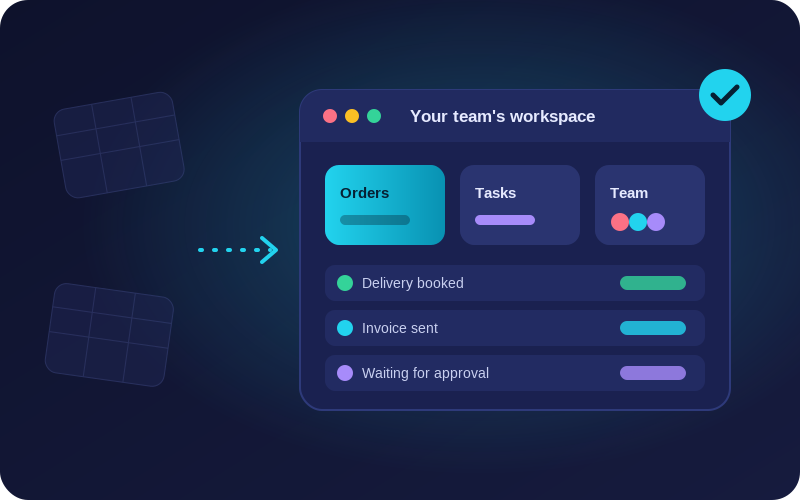
Example: one workspace instead of many spreadsheets
- A working app built around your workflow
- Logins with the right permissions for each role
- Connections to the other tools you already use
- Admin screens, tables and exports your team will actually use
- The full source code and a written guide to running it
Map how you work today
We look at where time is lost, who does what, and what information matters.
Plan the data and screens
We decide what gets stored, who can access it, and how the parts connect.
Build piece by piece
Each part goes to you for review before we move to the next one.
Check, launch, hand over
We test permissions, put it live and give you the code with documentation.
Tools we usually use
Web Application Development
Company websites, customer portals and web apps that load fast on a phone in Dhaka or a laptop in London.
Your website is often the first thing a client sees, and most of them see it on a phone. We build company sites, customer portals and web apps that are quick, easy to read on small screens, and set up so search engines can find them.
- An old or slow website that makes the business look less serious than it is
- Page-builder templates that load slowly and are hard to rank in search
- Customers who need to log in, book, check status or send an inquiry online
- A site that looks fine on a laptop and falls apart on a phone
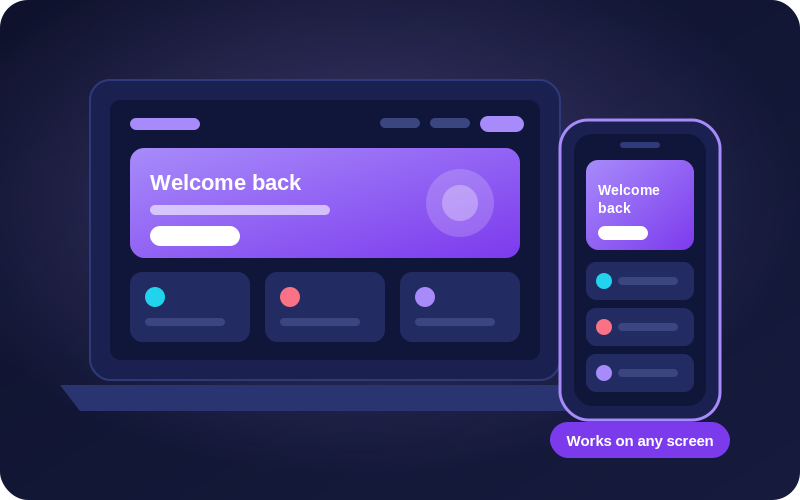
Example: the same app on desktop and phone
- A fast, responsive website or web app
- A consistent design that works in light and dark mode
- Forms, filters and dashboards your visitors can actually use
- Basic SEO set up properly: titles, descriptions, sitemap, social previews
- Hosting that is cheap and reliable, often free for smaller sites
Plan the pages
We work out what pages you need and how a visitor moves through them.
Design the look
We set up colours, type and layouts that work on every screen size.
Build the pages and features
Pages, forms and search settings come together and get checked as we go.
Test on real devices
We check it on phones, tablets and desktops before it goes live.
Tools we usually use
E-commerce Development
Online stores with clear product pages and a checkout people finish, plus a simple way to track orders.
People buy when the shop is quick, the product options are clear and checkout does not get in the way. We build online stores that do that, plus a simple back office so you can see and manage orders. It works for shops selling in Bangladesh or across borders.
- Product pages so slow that mobile visitors leave before they buy
- Orders taken by Facebook or WhatsApp message, with no proper tracking
- A checkout with too many steps, so people give up halfway
- Products with sizes, colours and stock levels that are hard to keep in order
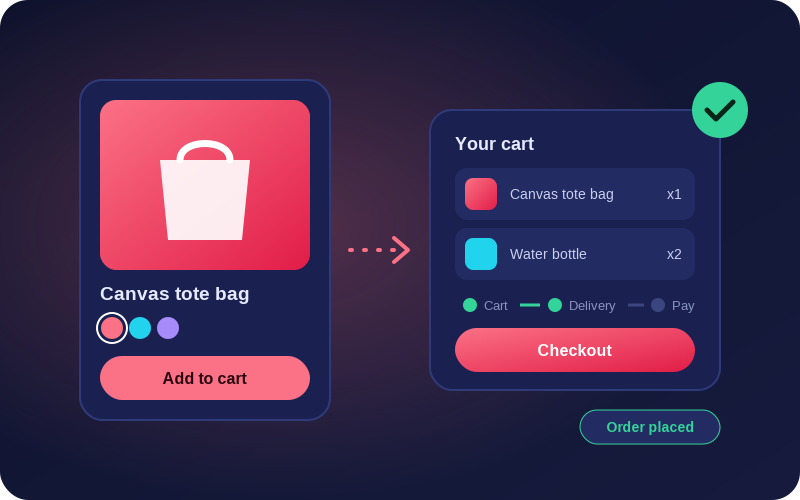
Example: product page and checkout
- A mobile-friendly shop with categories and search
- Product pages with options like size and colour, and a working cart
- A short checkout with delivery details and an order summary
- A simple screen for managing orders and stock
- A setup ready to connect a payment gateway and courier service
Organise your products
Categories, options, prices and stock get set up in a way that scales.
Build the shop and cart
Fast product pages and a cart that is easy to use on a phone.
Build checkout and orders
A checkout that checks the details, and a screen where you track orders.
Test before launch
We go through the buying process on mobile and check every order status.
Tools we usually use
AI Integration & Automation
AI that saves your team real hours, like searching documents or sorting inquiries, with a person approving what goes out.
AI is useful for some jobs and a bad idea for others. We start by finding the repetitive work where it actually helps, like searching your own documents, summarising inquiries or drafting replies. Then we build it so the answers point back to their source and a person signs off before anything is sent.
- Staff spending hours digging through PDFs, policies and old messages
- Incoming inquiries that someone has to read, sort and summarise by hand
- Generic chatbots that sound confident but cannot show where an answer came from
- Copying the same details from one form or tracker into another
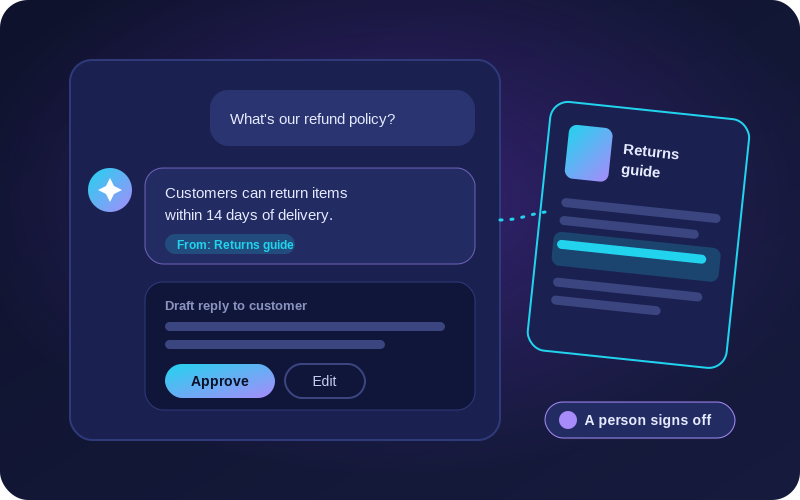
Example: answers from your documents, approved by a person
- A search and Q&A tool that answers from your own documents
- Answers that link back to the exact document they came from
- Automatic sorting and data extraction for forms or inquiries
- An approval step so a person checks things before they go out
- Usage limits and clear rules about what data is shared
Find where it helps
We pick the tasks worth automating and agree where a person must approve.
Prepare your documents
We organise the material the AI will answer from and set clear output rules.
Build the tool
Your team gets a simple screen with sources shown and review buttons.
Test the tricky cases
We try awkward questions, check what happens when it does not know, and set limits.
Tools we usually use
Business Software Solutions
One place for stock, billing, customers and staff, instead of five apps and a pile of spreadsheets.
Many small and mid-sized businesses run on a mix of notebooks, chat groups and spreadsheets. It works until it does not. We build one internal system for stock, purchases, customers and invoices, so owners and managers can see what is going on without asking around.
- Records spread across paper, chat threads and spreadsheets
- Finding out too late that stock is low or an invoice is unpaid
- Purchases and expenses approved informally, with no clear trail
- Hours spent each month putting together the same reports
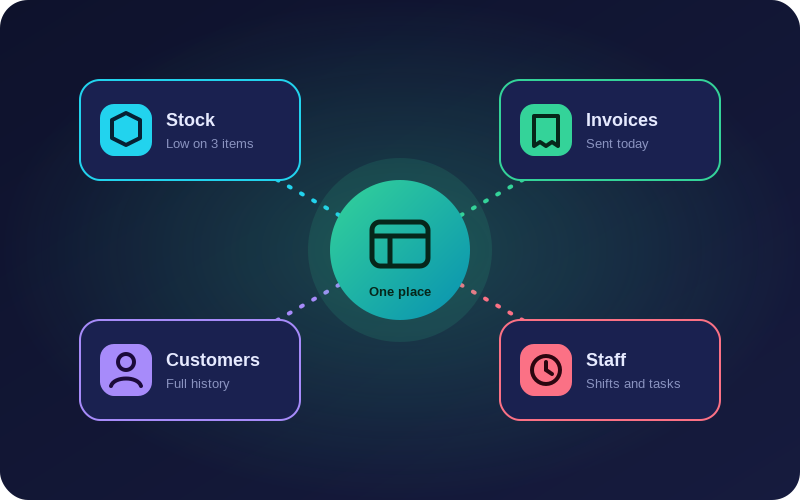
Example: stock, invoices, customers and staff in one place
- A dashboard with the numbers you check every day
- Stock, purchase order and supplier screens
- Customer records, quotes and invoices
- Staff permissions and a history of who changed what
- Works on office computers and on phones
Look at what you use now
We go through your spreadsheets, forms and how work passes between people.
Start with the biggest pain
We design the first module around the workflow that costs you the most time.
Build it
Forms, checks, status tracking and reports, built and reviewed with you.
Train and hand over
Your team gets a walkthrough and simple written guides.
Tools we usually use
MVP Engineering
A first version of your product, small enough to launch soon and solid enough to grow from.
The hard part of a first version is deciding what to leave out. We work with founders to find the few features that prove the idea, build those properly, and get it in front of real users. The code is written to be built on, not thrown away after the demo.
- A feature list that keeps growing, so the launch keeps slipping
- A quick prototype that has to be rewritten from scratch to add anything
- Non-technical founders who need honest advice on what to build first
- Freelancers who disappear, with no clear milestones or handover
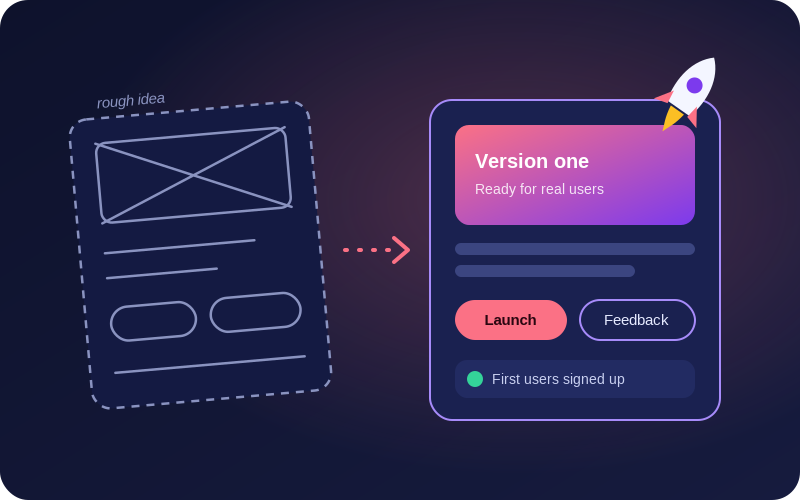
From wireframe to working first version
- A short, prioritised feature list and a plan for how it fits together
- A clean interface and the core user flow, working end to end
- Sign-up and login, the main data, and the admin controls you need
- Tidy code in a Git repository that you fully own
- Low-cost hosting, set up and running
Cut it down
We find the one thing users must be able to do to test your idea.
Sketch and plan
We design the main screens and decide what data the product needs.
Build in short rounds
You get preview links often, so your feedback shapes the next round.
Launch and hand over
We put it live and give you the full, documented code.
Tools we usually use
Ways to work together
Pick the setup that fits
Every project starts with a short written scope, so we both agree on what gets built, when, and what you receive at the end.
Fixed scope, paid by milestone
Good for websites, web apps and MVPs where the feature list is clear. You pay as each agreed milestone is delivered.
One module at a time
Start with the part that hurts most, like stock or billing, then add more once that is working well.
Planning only
Not ready to build yet? We can scope the project, plan the data and sketch the screens first. You keep the plan either way.
Not sure which of these you need? Just describe the problem.
Tell us about your project